
Instruction
Instruction
Pre-loader
The pre-loader is a short loading animation that appears before the main page content becomes visible. It enhances user experience by hiding incomplete layouts while assets load, ensuring a smooth first impression.
In this template, the pre-loader is fully customizable — you can change its design, animation, or disable it entirely if you don’t need it.
Customizing the pre-loader
Thinking about updating the logo or adjusting colors?
For better user experience, the preloader-main is hidden by default.
To customize it:
- In Screenshot 01, change the display setting of preloader-main from None to Flex.
- In Screenshot 02, you’ll see all the preloader customization options. Replace the logo and text with your own. Change the background color by selecting the preloader-main element and updating its background style.
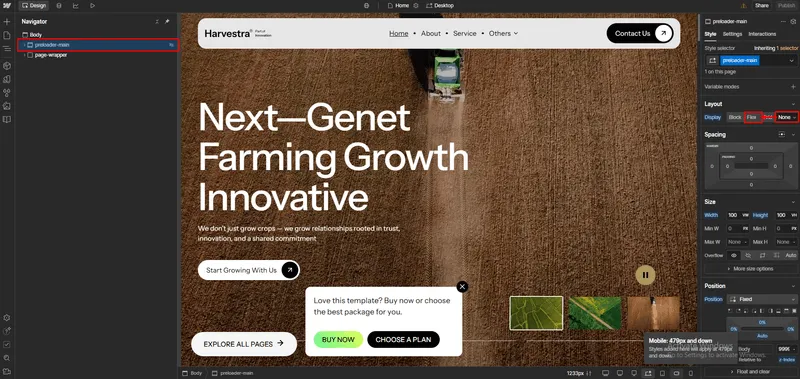
Screenshot 01
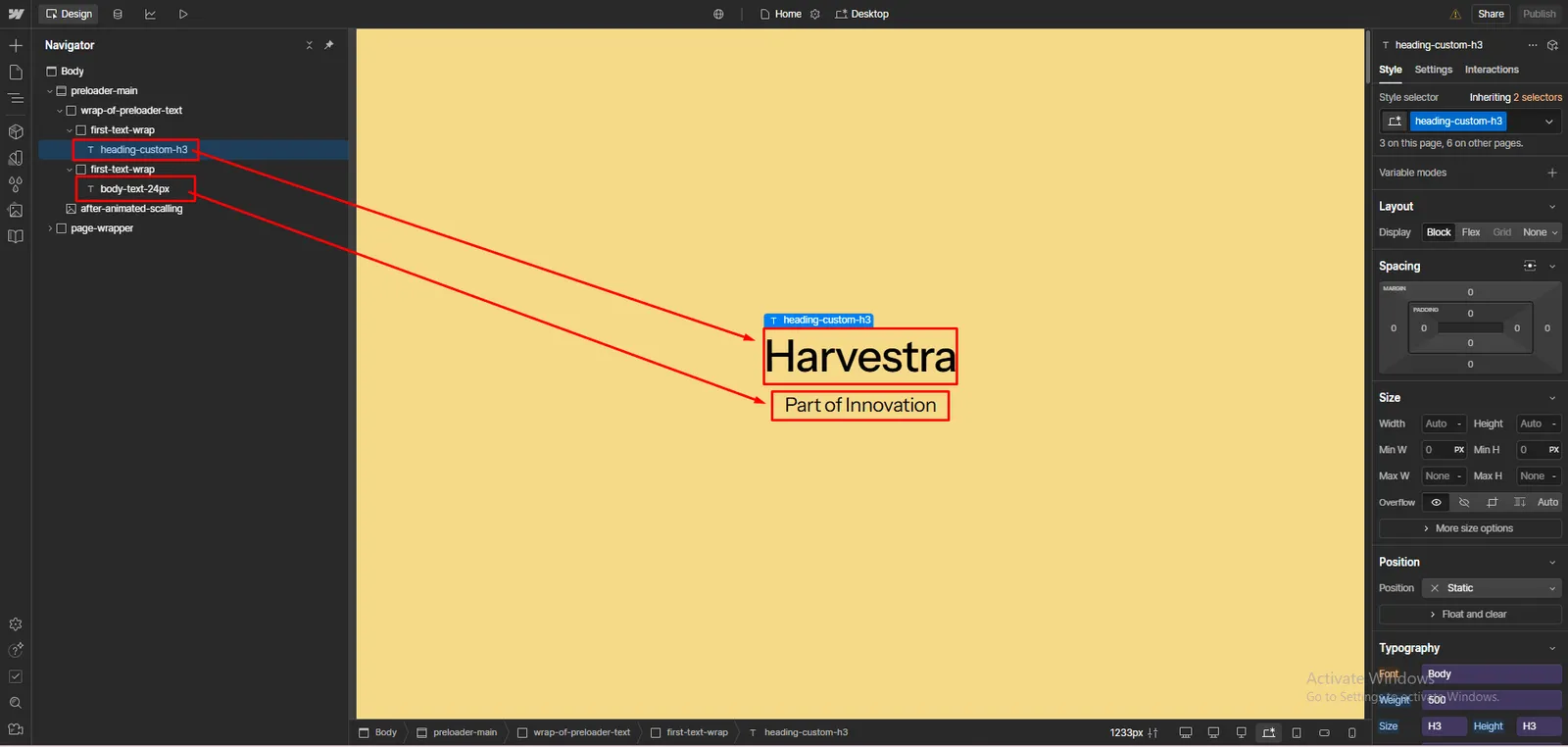
Screenshot 02
Are you considering removing the pre-loader?
If you don’t want the preloader, you can remove it easily. In the screenshot, the section is highlighted in the Navigator panel (named preloader-main) and screenshot 03.
To delete:
- Open the Navigator panel.
- Select preloader-main.
- Press Delete or right-click → Delete.
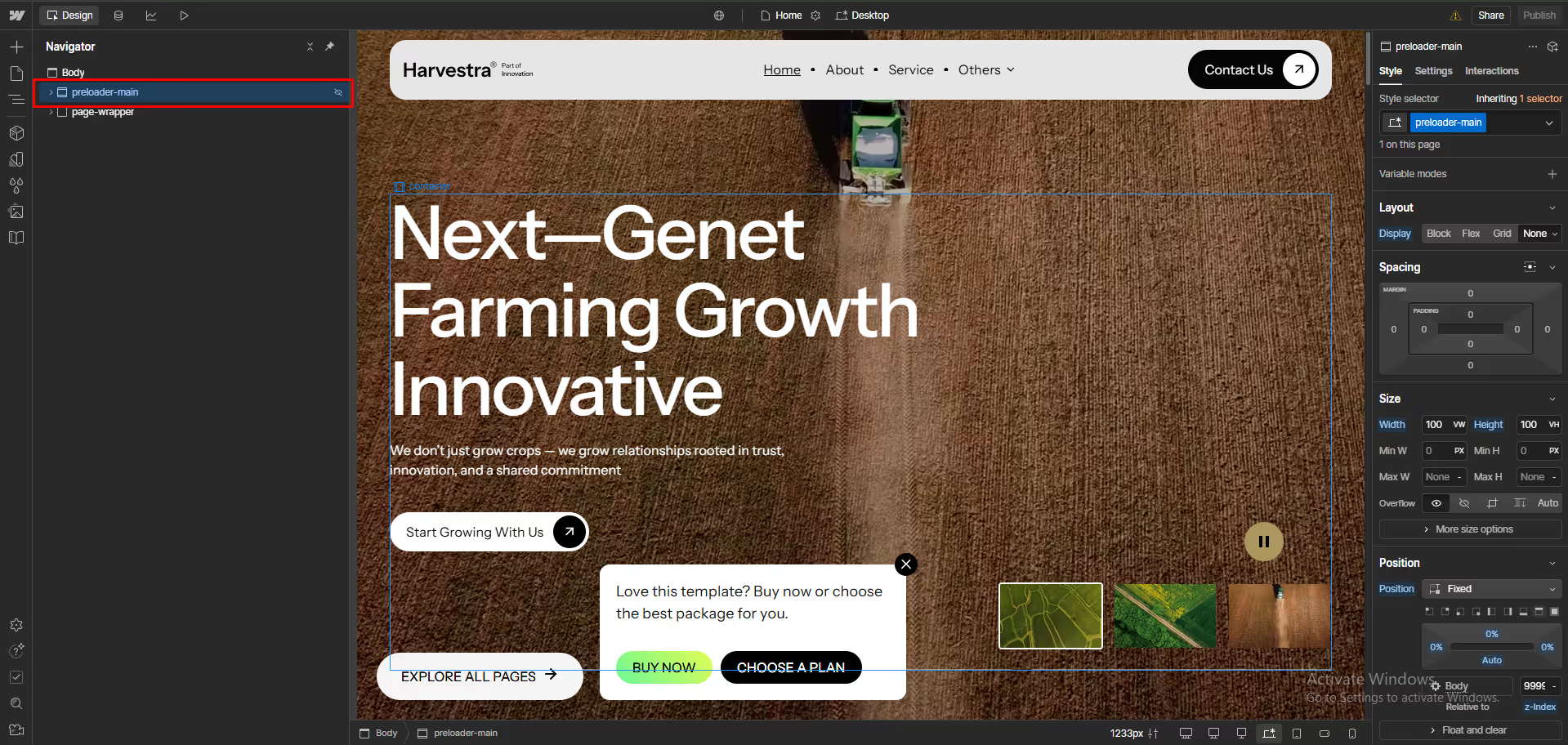
Screenshot 03